Welcome to ipocto Payments! We have partnered with globally leading payment service providers, Payermax and Stripe, to offer you a secure, diverse, and seamless payment experience. Wherever you are, you can find familiar payment methods.
1. Our Payment Partners
Payermax
- Introduction: Payermax is a leading payment gateway specializing in Asian markets, particularly Southeast Asia and the Middle East.
- Advantages: Supports a wide range of localized payment methods, such as e-wallets and online bank transfers, helping you easily reach users in emerging markets.
- Security: Compliant with the PCI DSS security standard, ensuring your transaction data is protected with the highest level of security.
Stripe
- Introduction: Stripe is a global payment infrastructure company, especially prevalent in European and American markets.
- Advantages: Supports major global credit cards (Visa, Mastercard, American Express), debit cards, as well as Apple Pay, Google Pay, and more.
- Security: Features industry-leading fraud detection and risk management systems, safeguarding every transaction.

2. Supported Payment Methods Details

3. Payment Process Guide
Step 1: Balance Top-up
Console - Click "Balance Top-up" - Select Stripe or Payermax as needed.
Step 2: Enter the Payment Page
You will be redirected to a secure payment page. The order amount and summary will be clearly displayed.
Step 3: Select a Payment Method
The system will show you a list of available payment methods. Please choose your preferred option (e.g., credit card, e-wallet, etc.).
Step 4: Complete the Payment
- WeChat Pay: Scan the QR code to pay.
- Credit Card: Enter the card number, expiration date, and CVC code.
- E-Wallet: Scan the QR code or be redirected to the wallet app to confirm the payment.
- Online Bank Transfer: You will be redirected to your bank's page to log in and authorize the payment.
Step 5: Payment Successful
After a successful payment, the page will automatically redirect back to ipocto and display your newly topped-up balance.
4. Security and Privacy
Q: Is my payment information secure?
A: Absolutely secure. ipocto itself does not store any of your sensitive payment information (such as your full card number). All payment data is processed by Payermax and Stripe through encrypted tunnels, both of which comply with the most stringent international PCI DSS security certification.
Q: How is my data privacy protected during payment?
A: We only collect information essential for processing your order. Your payment details are handled directly by our payment partners, and we will not use this information for any other purposes. Please refer to our Privacy Policy for more information.
5. Frequently Asked Questions (FAQ) & Troubleshooting
Q: The payment failed. What should I do?
A: Please try the following steps in order:
- Check your internet connection.
- Ensure your bank card has sufficient funds or available credit.
- Verify that the card number, expiration date, and CVC code were entered correctly.
- Wait a moment and try again.
If the problem persists, please note down the error code or message and contact our customer support.
Q: The amount was deducted from my account, but the order shows as failed. What should I do?
A: This situation is usually caused by a delay in bank synchronization. The funds will typically be automatically refunded to your account within 1-7 business days. If the refund does not appear, please contact our support team with a screenshot of the transaction deduction and your order number for assistance.
Q: Why can't I see the payment method I want to use?
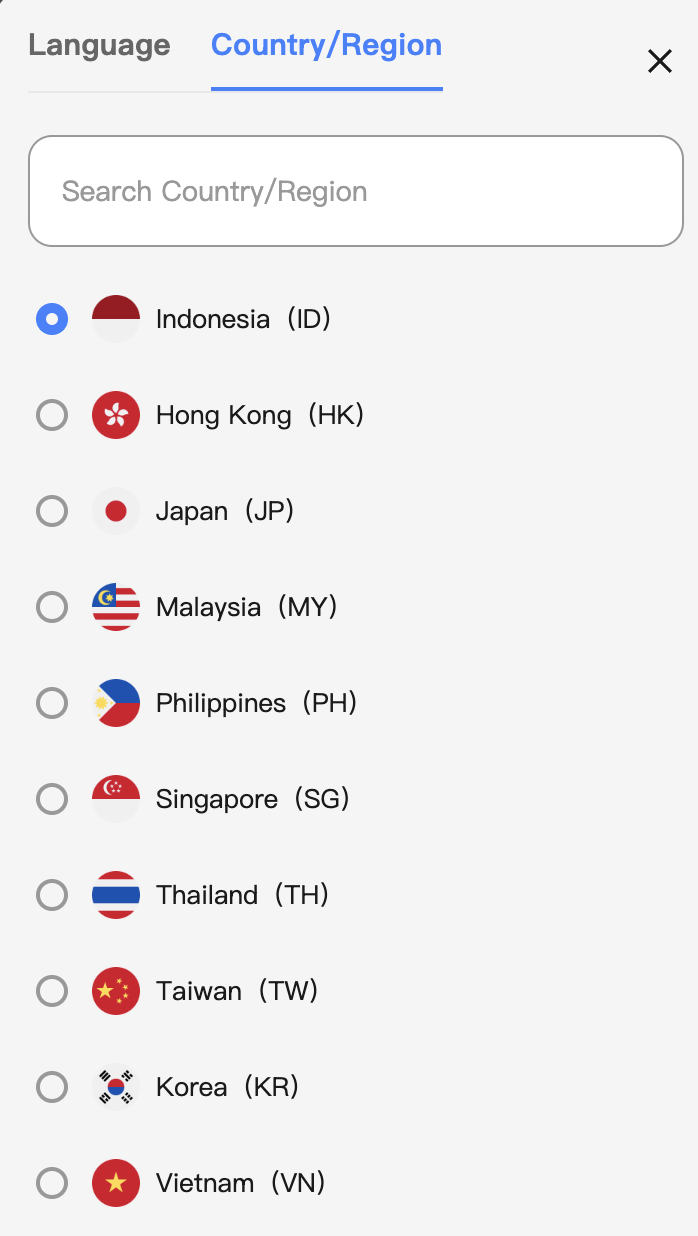
A: The available payment methods vary depending on your country/region. This is determined by our payment partners based on local regulations and banking support.
6. How to Get Help
If you have any payment-related questions, please feel free to contact us:
- Customer Support Email: [email protected]
- Live Chat: After logging into your ipocto account, click the "Help" icon in the lower right corner.
- When providing feedback, please include: your Order Number, a description of the issue, and any screenshots or error codes. This will help us assist you more quickly.
